Support for apps built with agents
You built the app with an agent. Run support with one too.
One instruction to your coding agent, and your app has a helpdesk, a customer directory, transactional email, a knowledge base, feedback and error alerts — in one place the agent can keep running.
What's inside
Six tools to support one app. Or one.
Every job below is one more subscription, one more login, and one more place your agent cannot reach. Helmdesk does all six, per app, behind one key.
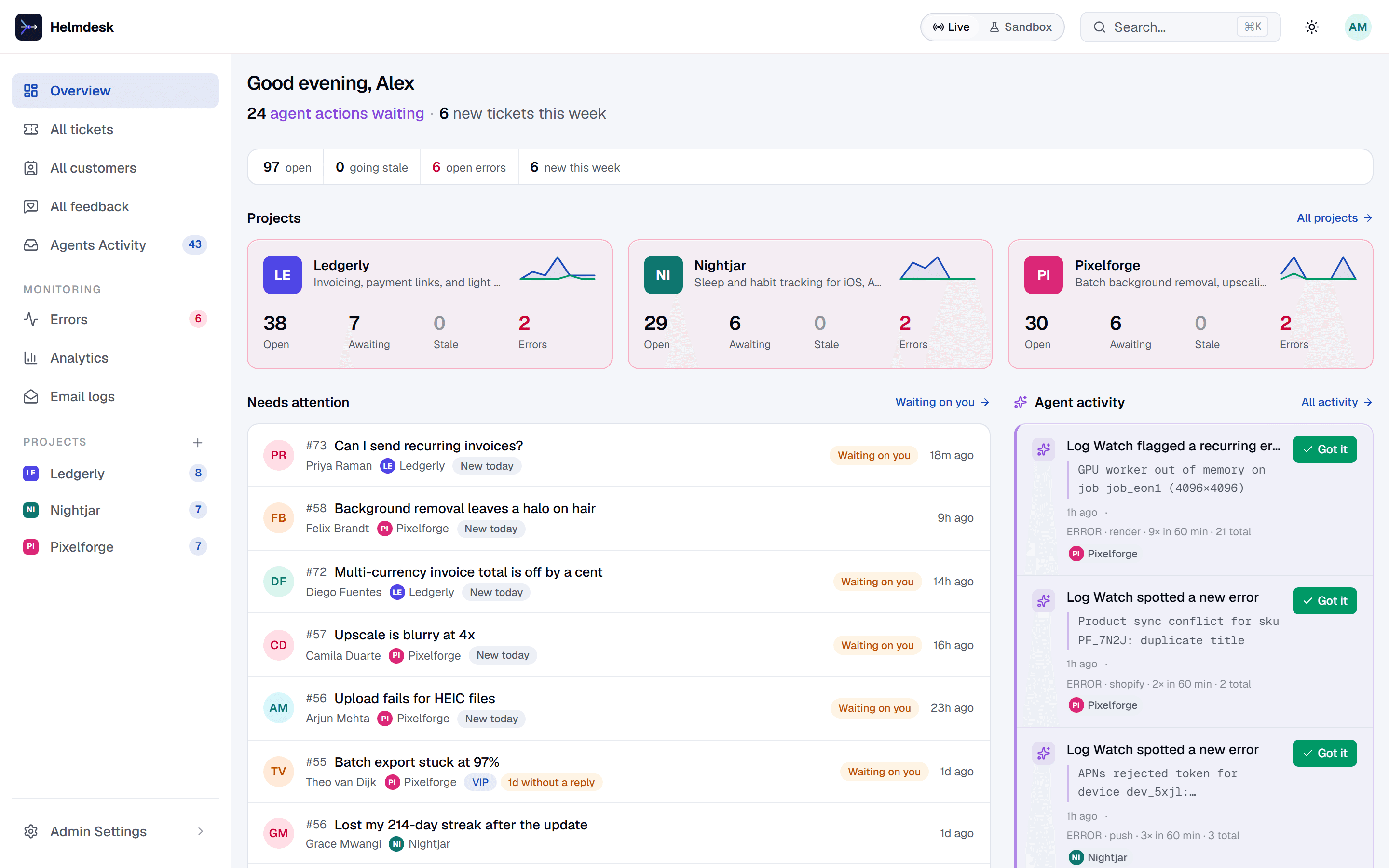
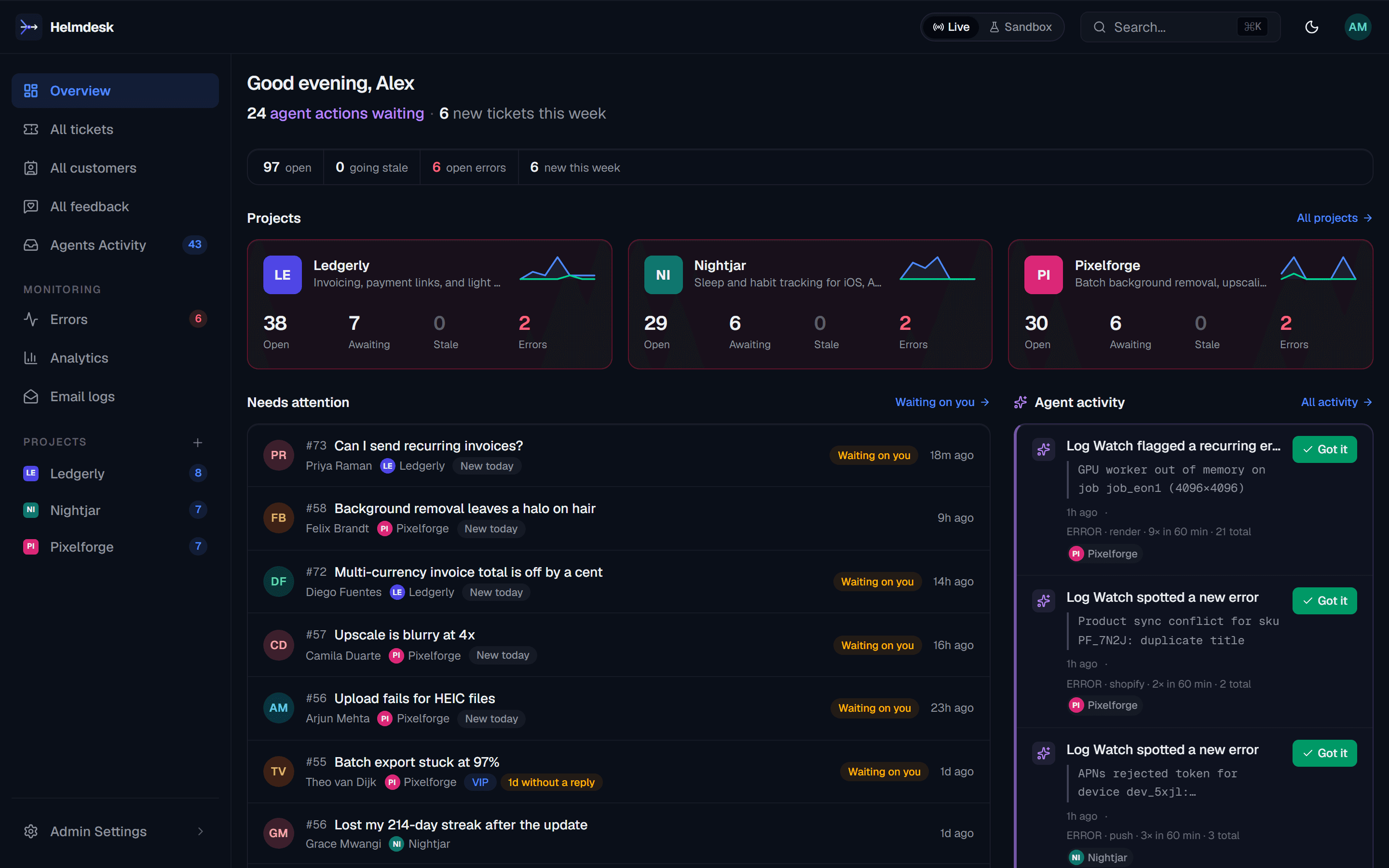
- TicketsToday: Intercom, Zendesk, a shared inboxHelpdesk — one inbox per app, replies drafted by the Auto-Responder for your approval
- Who is this person?Today: A spreadsheet, or your own admin pageCustomers — a directory that builds itself from every ticket, with tags and history
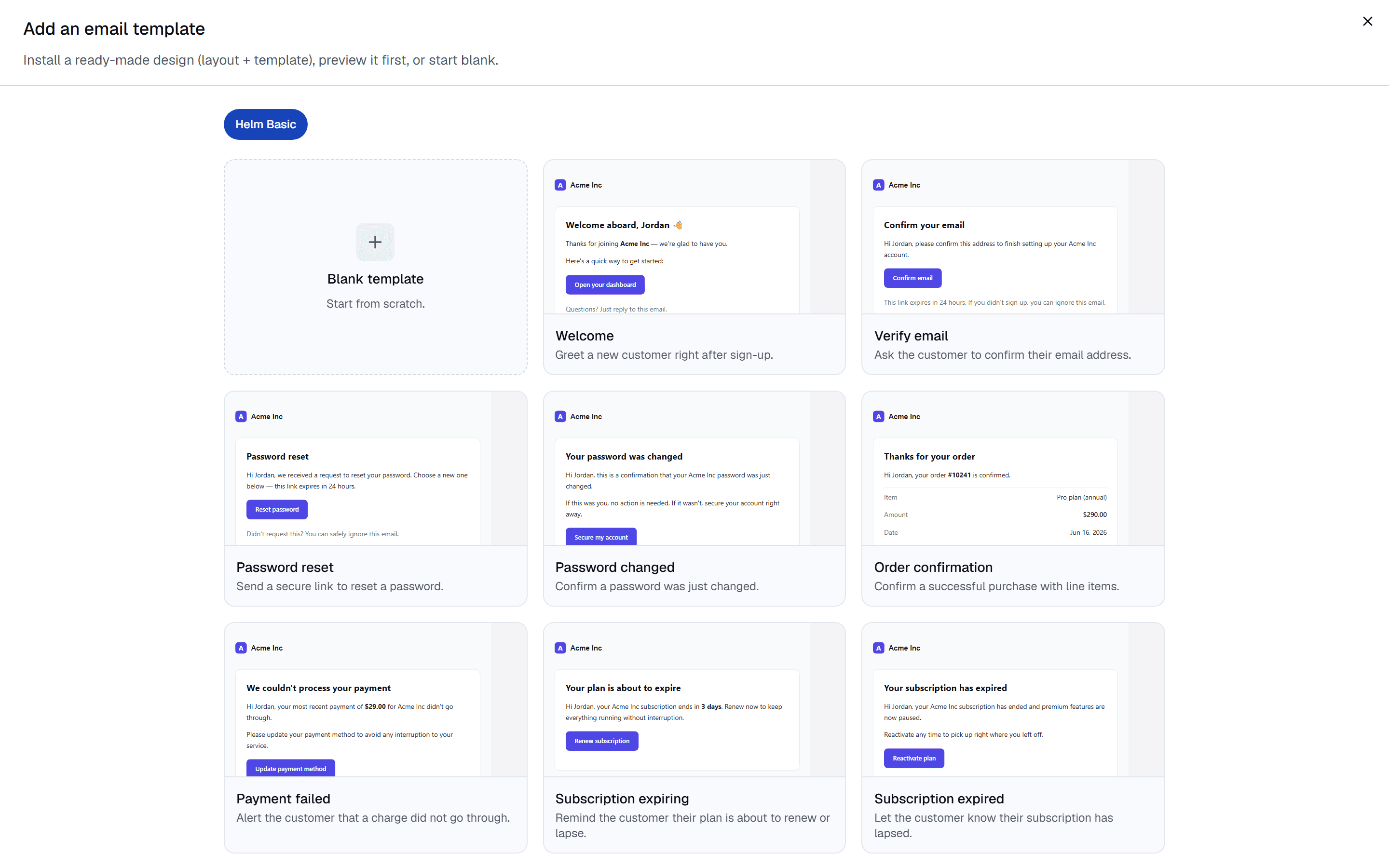
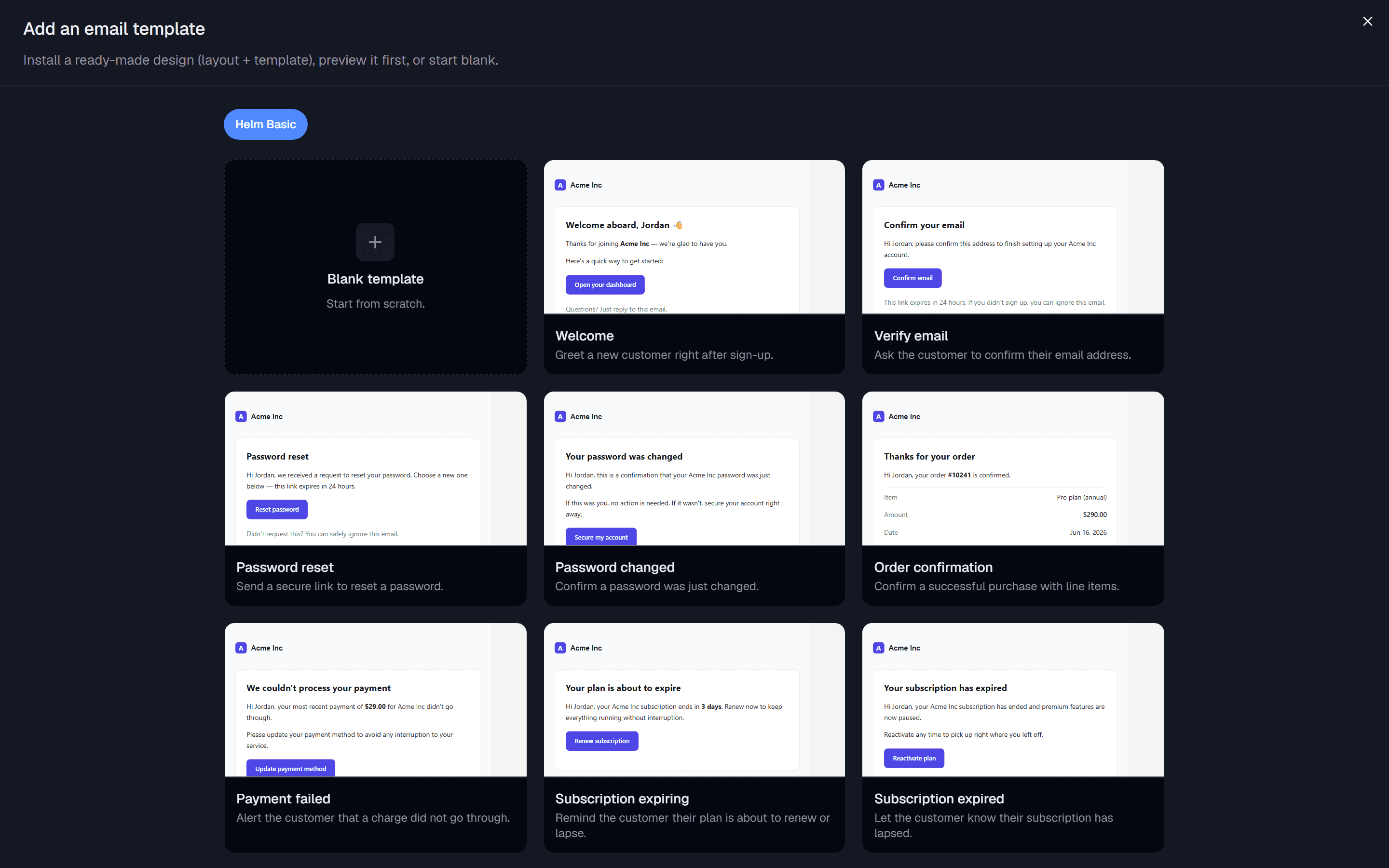
- Transactional emailToday: Resend, Postmark, a Handlebars folderEmail — templates, layouts and logs on your own sender, with a sandbox that captures
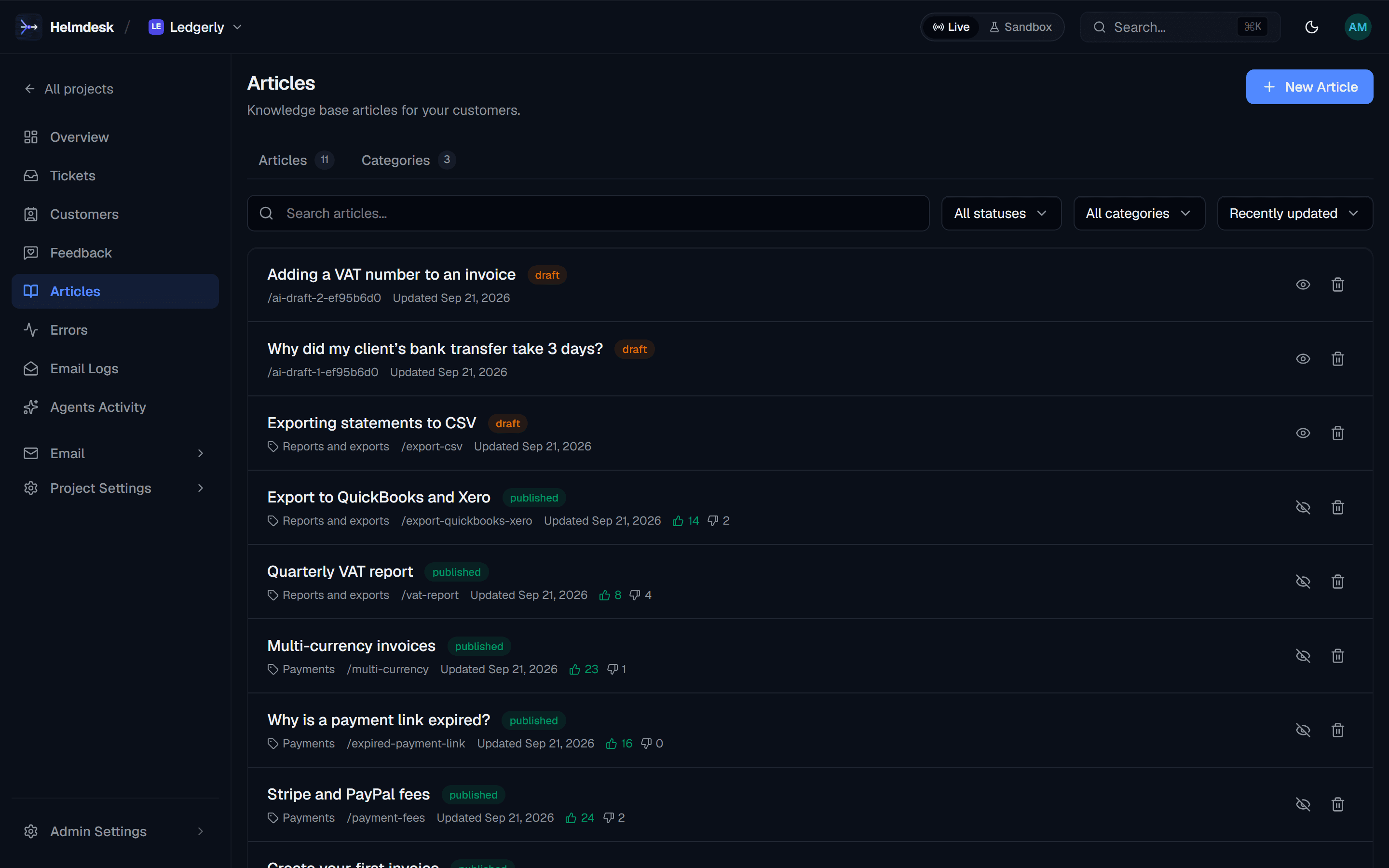
- DocsToday: Notion, a README nobody findsKnowledge base — a hosted help centre your agent writes and the widget answers from
- FeedbackToday: Typeform, an NPS toolFeedback — requests and rated threads, tied to the customer who sent them
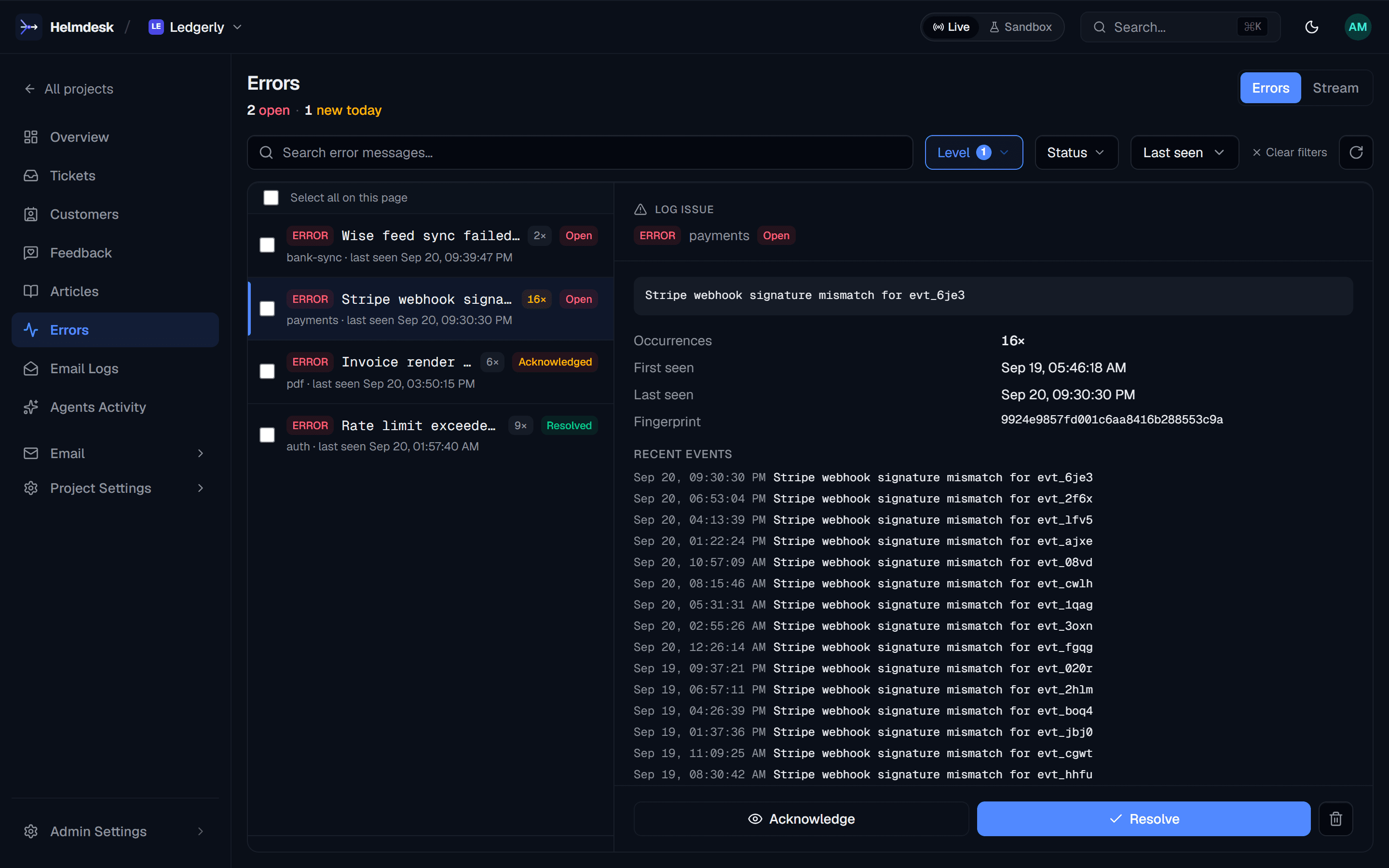
- ErrorsToday: Sentry, or the logs tab you forgotLogs — events grouped into issues, with Log Watch alerts before a customer writes in
The desk
Then it stays done.
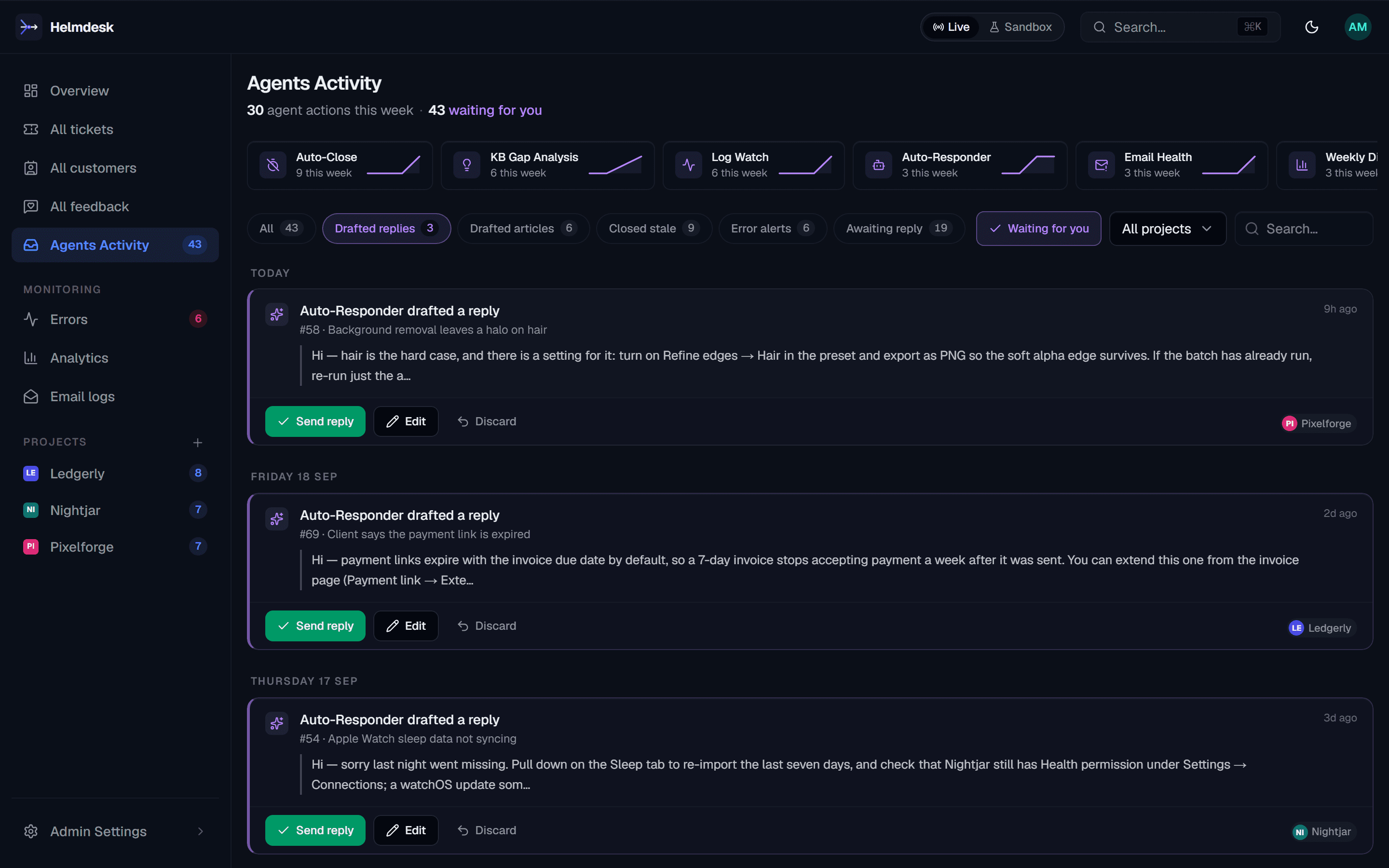
Every product you run gets the same desk. Your agent proposes; you approve.
Tickets arrive with a draft already written.
The Auto-Responder reads your knowledge base and the customer's history, then waits. One click sends. Nothing goes out without you.
helpdesk · auto-responder · canned replies
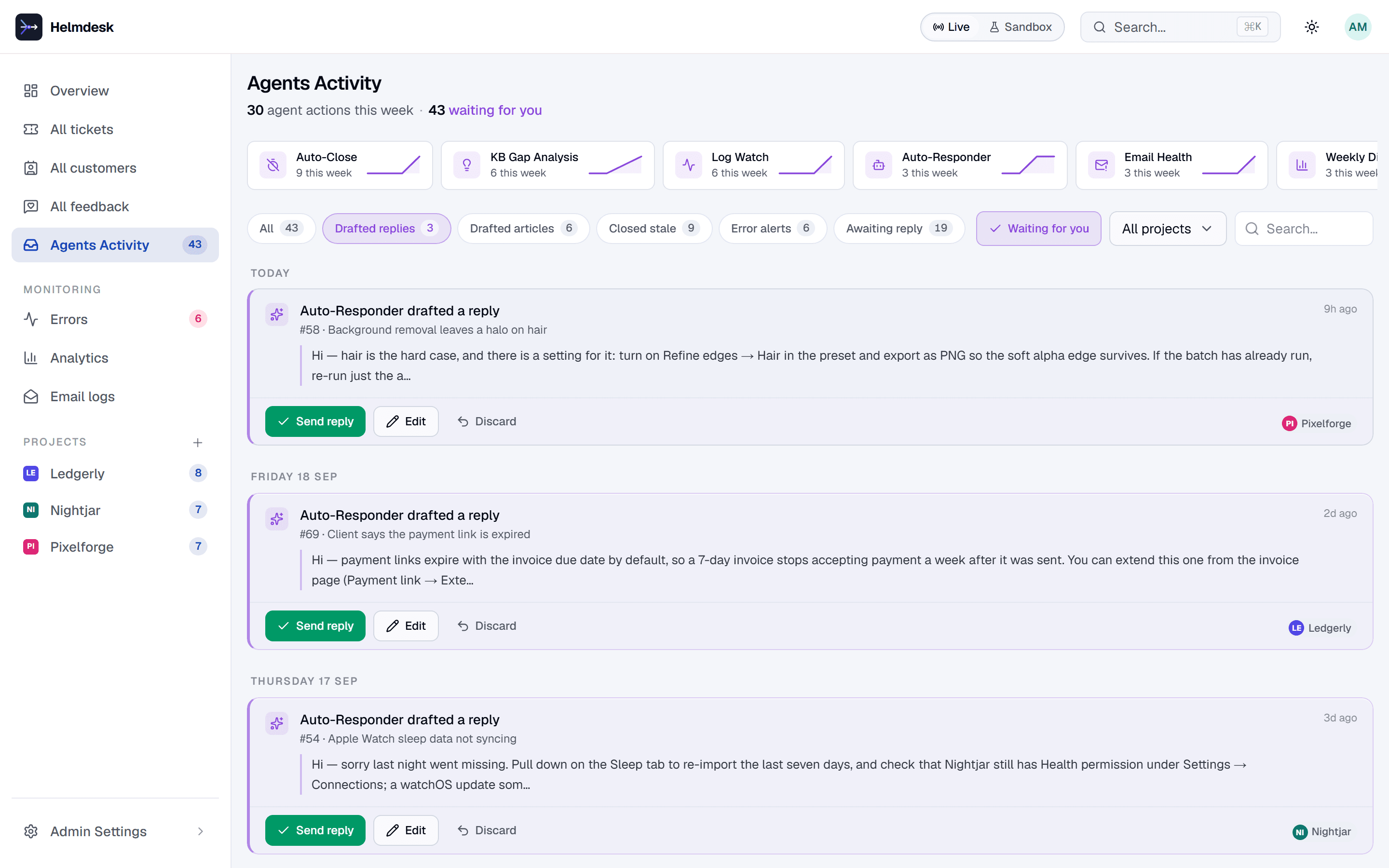
Docs your agent writes, your customers search, your widget answers from.
Articles are Markdown, published to a hosted help centre with search. The embeddable widget answers from them first and files a ticket only when it cannot.
knowledge base · help centre · widget
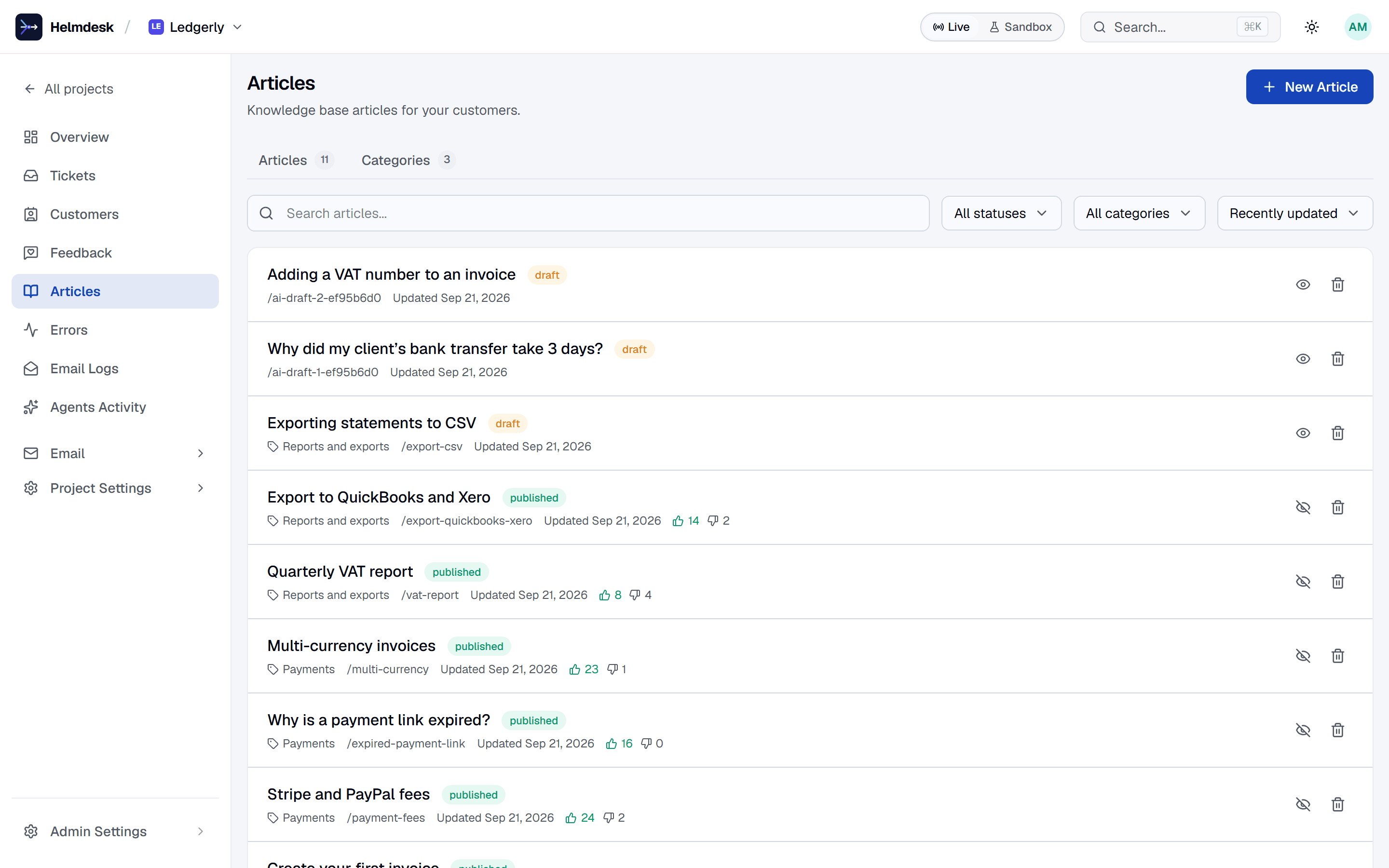
Errors grouped into issues, before anyone emails you.
Ship logs from the app with one call. Log Watch alerts on new and recurring errors every fifteen minutes and lands them next to the tickets they will cause.
logs · log watch · 15-minute alerts
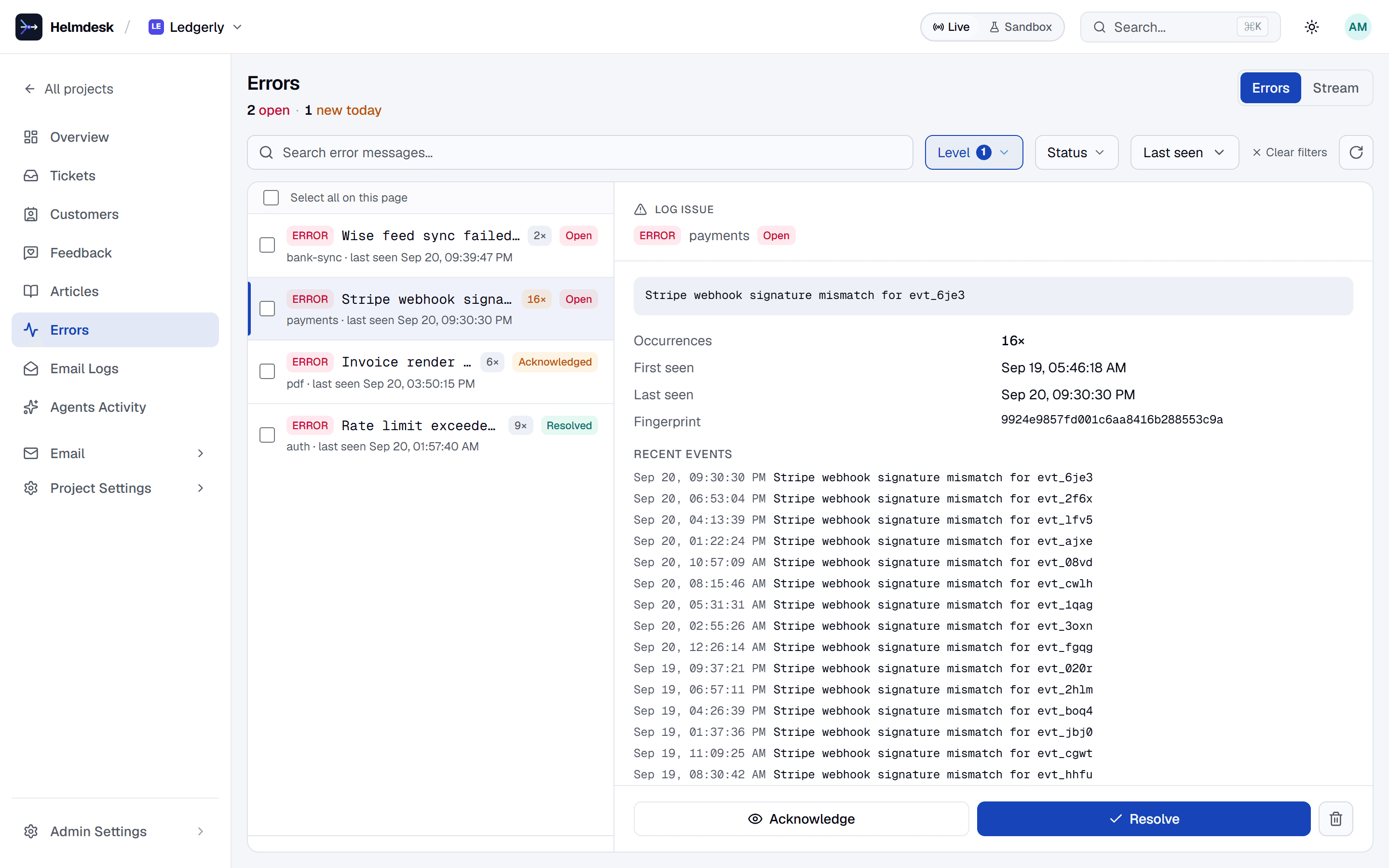
Transactional email on your own sender, tested in a sandbox first.
Templates with layouts and a preview, sent through your SMTP or provider. A sandbox key captures every email in the logs instead of delivering it, and templates promote to live in one click.
templates · sk_sandbox_ · promote
How you connect
Your agent, your code, your site.
One MCP server for the agent, one SDK for the app, one tag for the site. The API underneath is the same.
MCP · Claude Code, Codex, Cursor
{
  "mcpServers": {
    "helmdesk": {
      "command": "npx",
      "args": ["-y", "@helmdesk/mcp"],
      "env": { "HELMDESK_API_KEY": "sk_live_…" }
    }
  }
}
73 tools. Create projects, answer tickets, write articles, read errors.
SDK · Node, Bun, Deno, Workers
import { HelmdeskClient } from '@helmdesk/sdk'

const helmdesk = new HelmdeskClient({ apiKey })

await helmdesk.emails.send({
  templateKey: 'welcome',
  to: { email: user.email },
  variables: { name: user.name },
})
Typed end to end. Sandbox keys capture instead of sending.
Widget · any site
<script
  src="https://helmdesk.dev/widget.js"
  data-project="ledgerly">
</script>
Answers from your knowledge base first. Files a ticket when it cannot.
MCP setup · SDK quickstart · Widget install · Running support from your agent
- 73MCP tools
- REST + SDKNode, Bun, Deno, Workers
- Live + sandboxper project; sandbox captures email
- Approve to sendAI drafts never go out on their own
- Betafree for one project, no card
Pricing
One bill. No per-seat pricing.
Tiers are sized by tickets, not by people — your whole team gets access on any plan.
Free
For trying it out on one app
Free forever
Starter
For solo developers shipping real products
AI included — no per-resolution fees
Start with StarterGrowth
For teams whose support volume is climbing
AI included — no per-resolution fees
Start with GrowthEnterprise
For organizations with compliance and SLA needs
Quoted per organisation
AI included — no per-resolution fees
Talk to usEvery paid plan includes unlimited seats and all AI features. Tickets beyond your plan keep flowing and are billed per ticket at month end, up to 3× your allowance — never per seat, and never per AI resolution.