Turning Error Groups into Triaged Tickets
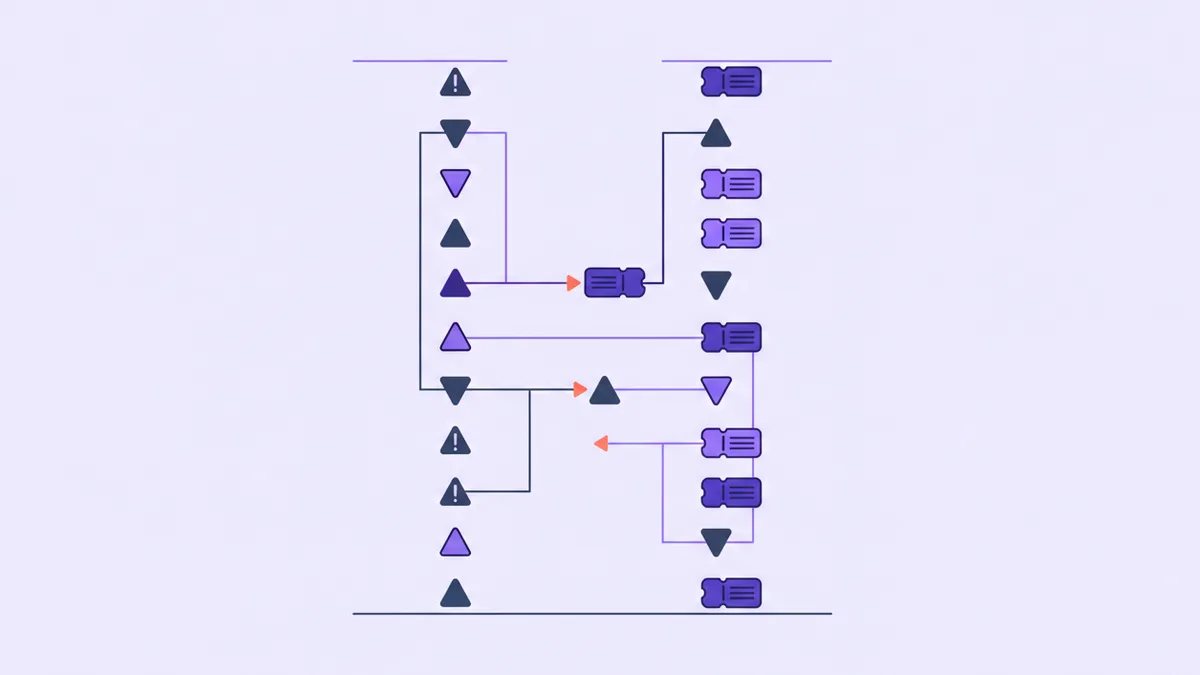
Two windows are open on your machine right now, and they are describing the same event.
One is the error dashboard. It says a particular exception in the export handler has fired 340 times since 9 AM, first seen just after the deploy went out, currently trending up. The other is the support queue. It has six new tickets, two of which say some version of the export button just spins forever.
You have never once looked at those two windows at the same time. Not because you're careless — because the act of crossing them is genuinely tedious. You'd have to read each error group, work out which customer or request it belonged to, then read each open ticket, work out what it was actually about, and hold both lists in your head long enough to find the overlap. For six tickets and nine error groups, that's twenty minutes of clerical work with no glory in it, and it competes against actually fixing the bug. The bug wins, every time.
So the crossing doesn't happen. And what you lose is not just tidiness — it's the two most useful facts of the morning. Which errors already have a human upset about them, and which customers are about to be upset and don't know it yet.
An agent that can read both is the first thing that makes this question cheap enough to ask. That's the whole post: not the logs, not the queue, the crossing.
The two-sided ledger
A quick word on grouping, because the crossing only works if both sides are already reduced to something a human-sized brain can hold.
Raw log events are useless for this. Three hundred and forty lines of the same stack trace with different request ids is not 340 problems, and no matter how good your agent is, feeding it 340 near-identical events is a waste of everyone's time. Fingerprinting fixes that: normalise away the parts that vary — ids, emails, timestamps — hash what remains, and 340 events collapse into one issue with a count, a first-seen and a last-seen. That's the level at which list_log_issues reports, and it's the level at which the crossing is tractable. If you want the full argument for why an ungrouped error stream is a support queue you're refusing to read, that post already exists.
The ticket side is already grouped, by nature. A ticket is one person with one problem, written in prose.
So you have two ledgers of the same day. One is machine-generated, precise about what broke and silent about who noticed. The other is human-generated, vague about what broke and extremely specific about who is unhappy. Neither is complete. Together they answer questions neither can answer alone.
The question worth asking
Here it is, as a prompt:
Take the error groups from the last 24 hours and the open tickets. Which
groups already have someone complaining? Which are firing a lot with nobody
writing in? For anything with an identifiable customer in the metadata, tell
me who they are and whether they've contacted us. Do not send anything.
That's list_log_issues for the groups, query_logs to pull the raw events behind the interesting ones and read the structured metadata each carried, and list_tickets for the queue. All reads. Nothing changes and nobody is contacted.
What comes back sorts into three buckets, and each one implies something different.
- Errors with tickets attached. This is the confirmation bucket, and it's the least surprising but the most immediately useful: it turns "some people are complaining about exports" into "this exact exception is what those two people are experiencing." You now have a reproduction path, a stack trace, and two humans waiting to be told when it's fixed. When the fix ships, that same list is who you reply to.
- Errors with no tickets. The interesting one. A group firing 340 times with nobody writing in means one of two things: it's invisible to users — a retry that succeeds on the second attempt, a background job nobody watches — or it's very visible and the affected people simply left. Those two readings are opposite, and you cannot tell them apart from the log. You can usually tell from what the code does, in about ten seconds, if someone asks you the question.
- Tickets with no errors. The humbling one. Someone is unhappy and your instrumentation has nothing to say about it. That's a gap in your logging as much as it's a bug, and it's worth noticing which parts of your app go dark under failure.
The second bucket is where the genuinely new move lives. If the error metadata carries a customer identifier, you can ask who hit this and hasn't written in — and then get ahead of it. create_ticket opens a thread on someone's behalf, which notifies your staff and does not email the customer, so you can stage the conversation before deciding to have it. Deciding to have it is a separate, deliberate step, because a proactive note is a real email to a real person who may not have noticed anything was wrong.
Where the match goes soft
Now the part you have to be honest about, because the crossing is fuzzy and an agent will present fuzzy results with the same confidence as certain ones.
The match is semantic, not structural. There is no foreign key between "TypeError: cannot read property rows of undefined" and "the export button just spins forever." The agent is inferring the link from the shape of the words, and it will sometimes get it wrong in both directions. It will confidently connect a timeout in the billing service to a ticket about slow page loads that were actually a CDN problem. It will miss a real connection because the customer described the symptom in language your stack trace has no word for.
So treat the output as a sorted worklist, not a conclusion. Two habits keep it honest:
Ask for the evidence inline. Make the agent show you the actual error message and the actual sentence from the ticket, side by side, rather than a summary of the relationship. Most bad matches are obvious in one glance when you can see both strings; almost none are obvious from a paraphrase.
Record the judgement where it'll be found later. When a match is real, put it on the ticket as an internal note — add_ticket_note is staff-only, never emailed, and doesn't move the status — and mark the error group with set_log_issue_status once you've dealt with it. Resolve rather than delete: a resolved issue reopens automatically if the error comes back, which is exactly how you find out your fix didn't hold.
The judgement itself stays yours. An agent can hold both windows open at once, which you cannot; it cannot tell you whether a silent 340-count error is harmless or a slow leak of customers, which you can.
The bottom line
None of this requires a particular vendor either — if your error tracker and your helpdesk both have APIs, you can put an agent in front of both. What Helmdesk gets you is that they're already the same project, so "the last 24 hours" means the same 24 hours in both ledgers and the customer record is the join.
The two windows have always been describing the same day. All that was missing was somebody willing to read them at the same time.
Cross the error log with the support queue
Grouped error issues and your ticket queue in one project, so one question can span both.