From Side Project to Product: When to Add Real Support Infrastructure
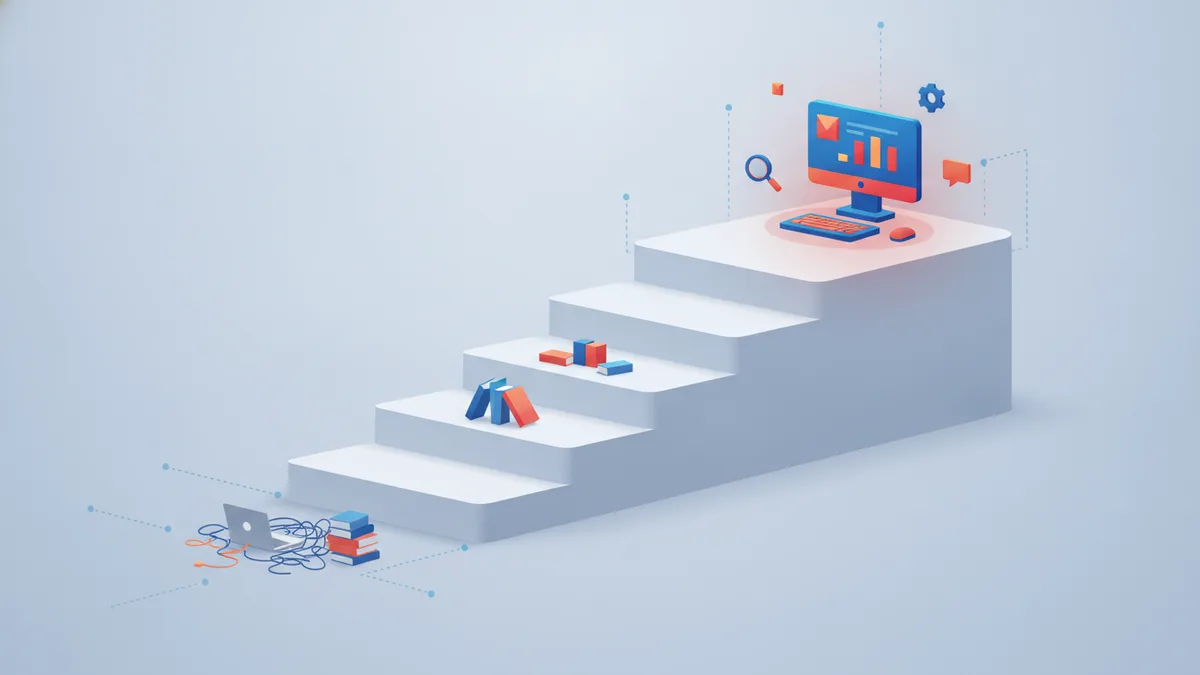
Every product that started as a side project has the same support system on day one: your personal email address, pasted into the footer. And honestly? That is the correct system for day one. The mistake is not starting there. The mistake is what most builders do next — either staying there far too long, or jumping straight to enterprise-grade tooling for a product with nine users.
This post is about the middle path: the actual maturity stages, the specific events that signal it is time to move up a stage, and — just as important — what not to build yet.
The three stages
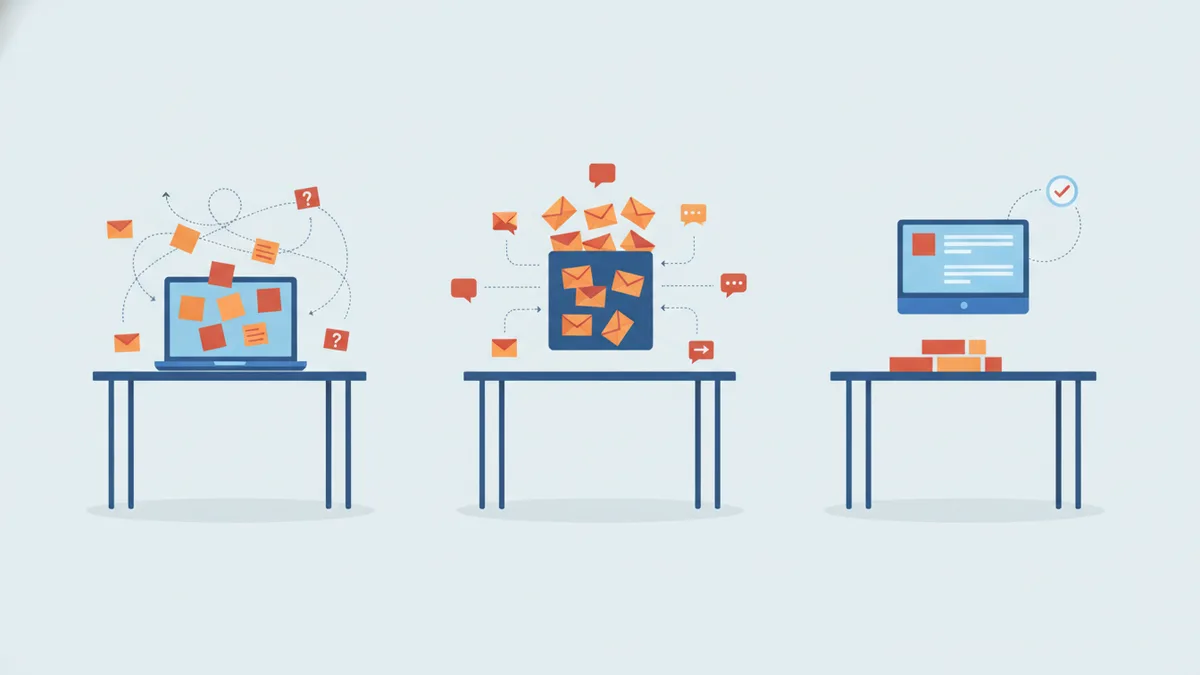
Stage one: personal email. Support is you@gmail.com. Every message lands next to your newsletters and your dentist reminders. This works surprisingly well while volume is near zero, because the tool is not the point yet — responsiveness is, and one motivated founder reading their own inbox is genuinely hard to beat. The cost is invisible until later: no history a future teammate can see, no categories, no record of what was asked or promised. Support knowledge exists only in your memory and a search box.
Stage two: shared inbox chaos. Volume grows, or a second person joins, and you graduate to support@ — forwarded to two people, or a group inbox both can open. This stage has a honeymoon of about two weeks. Then the failure modes arrive: both of you answer the same email (customer gets two conflicting replies); each of you assumes the other took it (customer gets none); an email needs the other person's knowledge, so it gets forwarded with "can you handle?" and dies in the second inbox. The defining trait of stage two is that ownership is ambiguous. Every message is implicitly everyone's, which means it is reliably no one's.
Stage three: a real system. Messages become tickets with a status and exactly one owner. There is a queue you can see the bottom of, a history per customer, and answers to repeated questions written down once, somewhere linkable. Note what this stage is not: it is not "enterprise helpdesk with SLAs and routing rules." It is the minimum structure that makes ownership unambiguous and repetition cheap.
The interesting question is when to move. Not at a user count — user counts lie, because ten integration-heavy customers generate more support than a thousand casual ones. Move when specific events happen.
The trigger points
The first paying customer. The moment money changes hands, a support question stops being a favor and becomes an obligation. Paying customers ask harder questions ("your webhook double-fired and my system charged someone twice"), expect answers on a timeline, and remember silence. You do not need much on day one of revenue — but you do need support requests to stop being mixed into a personal inbox where one busy week means a paying customer's email sinks below a shipping notification. A separate, watched channel is now mandatory.
The first question you have answered three times. The third time you type the same explanation, you have discovered two things: a place your product or docs are unclear, and a task that no longer deserves a human. This is the trigger for a knowledge base — not a documentation project, just a public page holding that one answer, written once, linkable forever. Three repetitions is the honest threshold. One question twice might be coincidence; three times is a pattern, and patterns are infrastructure telling you where it wants to exist.
The first silent outage. Something broke, users noticed, and you found out from a user — hours or days later. This one stings in a particular way, because it turns your users into your alerting pipeline. The trigger it pulls is not "answer faster." It is: your product needs to tell you when something is wrong before customers have to. Error tracking and log alerting belong to support infrastructure just as much as an inbox does — the cheapest ticket is the one you prevented by fixing the thing before the second person hit it.
The first refund dispute. A customer says you promised something; you remember differently. In a personal inbox, the "record" is a search through months of threading. The first genuine dispute — over a refund, a commitment, a "you said this would be fixed" — is the trigger for keeping support history somewhere structured and permanent, where the full conversation with dates attached settles the question in thirty seconds. This matters double once anyone helps you with support: the record has to outlive any one person's inbox.
What to set up at each stage — in one weekend
Each transition is a weekend project, not a quarter. That is the point: right-sized moves, made promptly.
Weekend one (at the first paying customer): Create support@yourdomain.com and route it somewhere it cannot drown. Set up transactional email on your own domain so receipts and resets stop coming from a personal address. Write down — anywhere — your three most-asked questions and your canned answers to them. Total: an afternoon, and support is now a channel instead of a hope.
Weekend two (at the third repeated question, or the second pair of hands): Move from inbox to tickets — statuses, one owner per conversation, customer history. Publish that first help article. Wire up the basic notifications so a new ticket pings you where you actually look. This is the stage where a unified tool earns its keep, especially if you run more than one product; this is the exact weekend Helmdesk was built for — helpdesk, knowledge base, transactional email, and log alerts in one place, sized so the setup genuinely fits between Saturday coffee and Sunday dinner.
Weekend three (after the first silent outage): Point your app's errors and logs at something that alerts you — on new errors, once, without flooding you. Add a status-visible place to acknowledge incidents, even if it is just a pinned note. The goal is a simple inversion: you tell customers about problems, not the reverse.
What to deliberately not build yet
Restraint is half of this strategy. Each of these is a real tool with a real threshold — and building it early costs more than money, because every process you add is a process you must maintain:
- Live chat. A chat widget is a promise of presence. Under about a hundred conversations a week, or before anyone is "on" support during defined hours, it is a promise you will break publicly. Async email with fast replies beats chat with slow ones.
- SLAs, routing rules, and escalation tiers. Routing needs somewhere to route to. With one or two responders, a single queue with owners is strictly better than rules you will spend more time configuring than they save.
- Phone support. Almost never, for developer and SaaS products, at small scale. It does not queue, does not leave a record, and does not batch.
- A community forum. Forums need critical mass or they read as abandonment — a front page of unanswered posts is worse than no forum. Let your knowledge base absorb repeated questions until the volume genuinely demands peer-to-peer.
- Fully autonomous AI support. Drafts, suggestions, and auto-classification: yes, cheerfully — they save time with a human still in the loop. Auto-sent replies with nobody reviewing: not while your product changes weekly and your KB is thin. Earn automation with a good knowledge base first; automation amplifies whatever it stands on.
The through-line
The pattern across every stage is the same: support infrastructure should arrive just after the event that proves you need it — not years after (the founder still doing support from Gmail at $10k MRR), and not years before (the solo project with escalation tiers). The triggers are knowable in advance, so you can decide today what you will do when each one fires, then spend exactly one weekend doing it.
Your first paying customer is the starting gun, not the finish line. Listen for the triggers, move one stage at a time, and let the product's growth — not anxiety, not aspiration — tell you what to build next.
Stage three, in one weekend
Tickets, knowledge base, transactional email, and log alerts — one dashboard, free to start, sized for the weekend you decide it's time.