Helpdesk for multiple apps One helpdesk for every app you ship.
Five apps usually means five inboxes, five email senders, five docs sites and five bills. Helmdesk gives each app its own project, with its own tickets, customers, email, help centre and error logs, inside one account, one login and one bill.
Through Nov 30: 30% off Starter or Growth for 3 months with code SHIP30 at checkout.
Month four
The third app is where support falls apart.
A scenario you may recognise: Ledgerly answers from a shared inbox, Nightjar has a chat widget on its own plan, and Pixelforge sends receipts through a different email provider. Three logins before breakfast, three places a customer can be forgotten, and no single view of what is waiting.
Per app, today
- An inbox or helpdesk subscription per app
- An email provider account per app
- A docs site per app, or none
- Errors in a different tool from the tickets they cause
- A bill per tool, per app
With Helmdesk
- One project per app, in one account
- Each project sends from its own address
- A hosted help centre and widget per app
- Errors grouped next to that app’s tickets
- One bill, priced by apps and tickets
How Helmdesk handles several apps
Separate where it matters. Together where you work.
One project per app, nothing shared by accident
Each app gets its own tickets, customer directory, knowledge base, widget, email sender and error logs. A Ledgerly customer never sees Nightjar’s help centre or tickets.
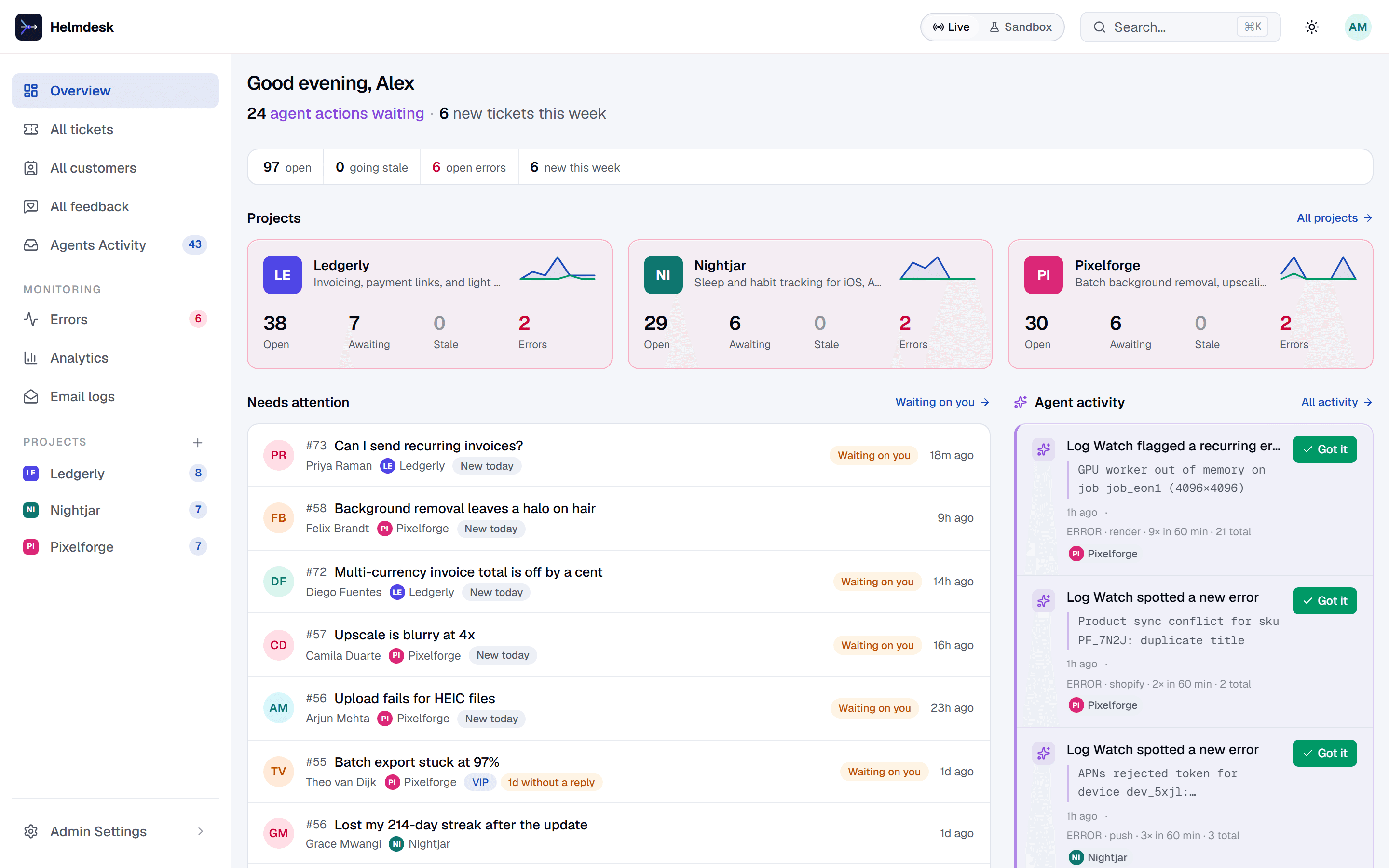
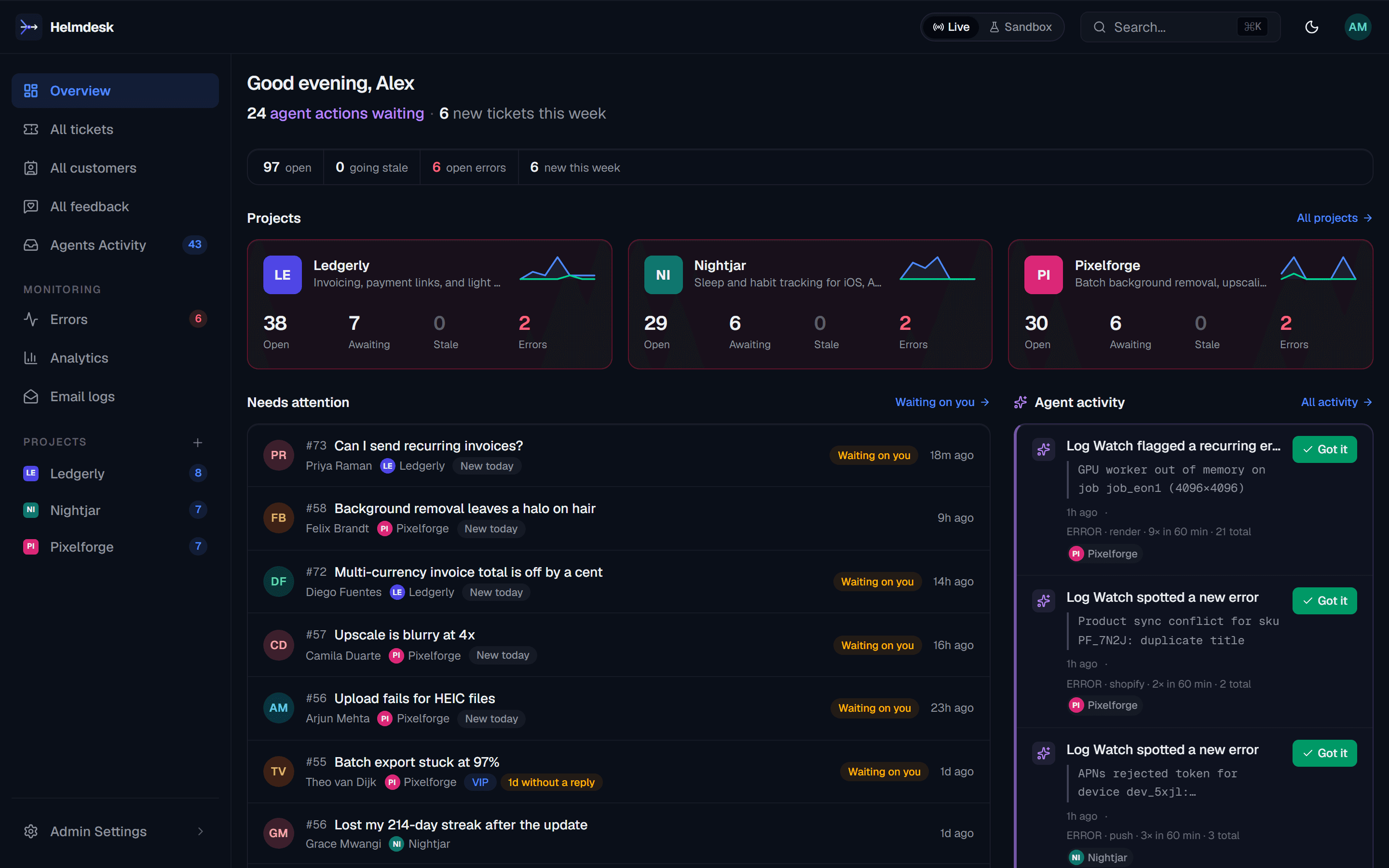
One overview across all of them
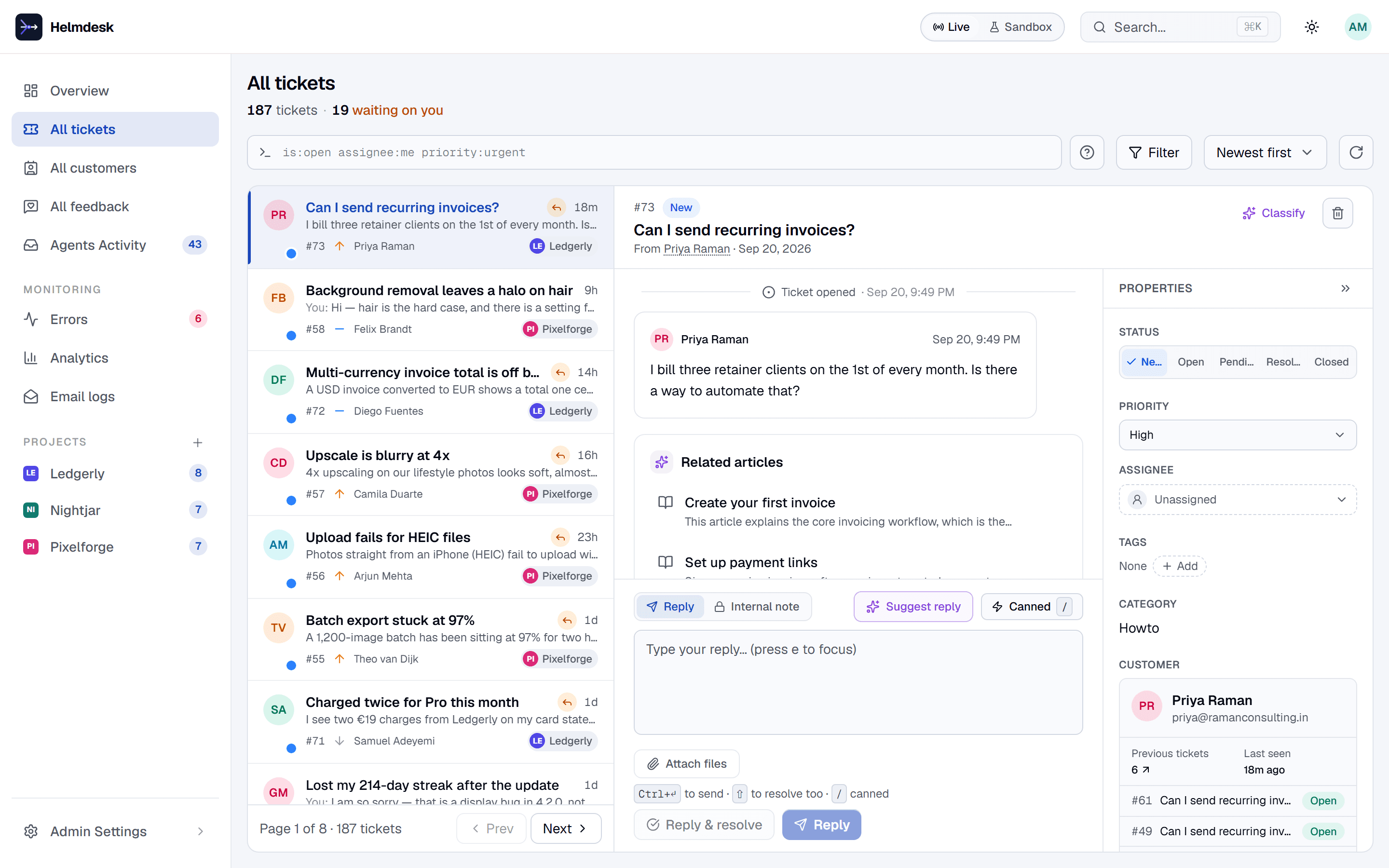
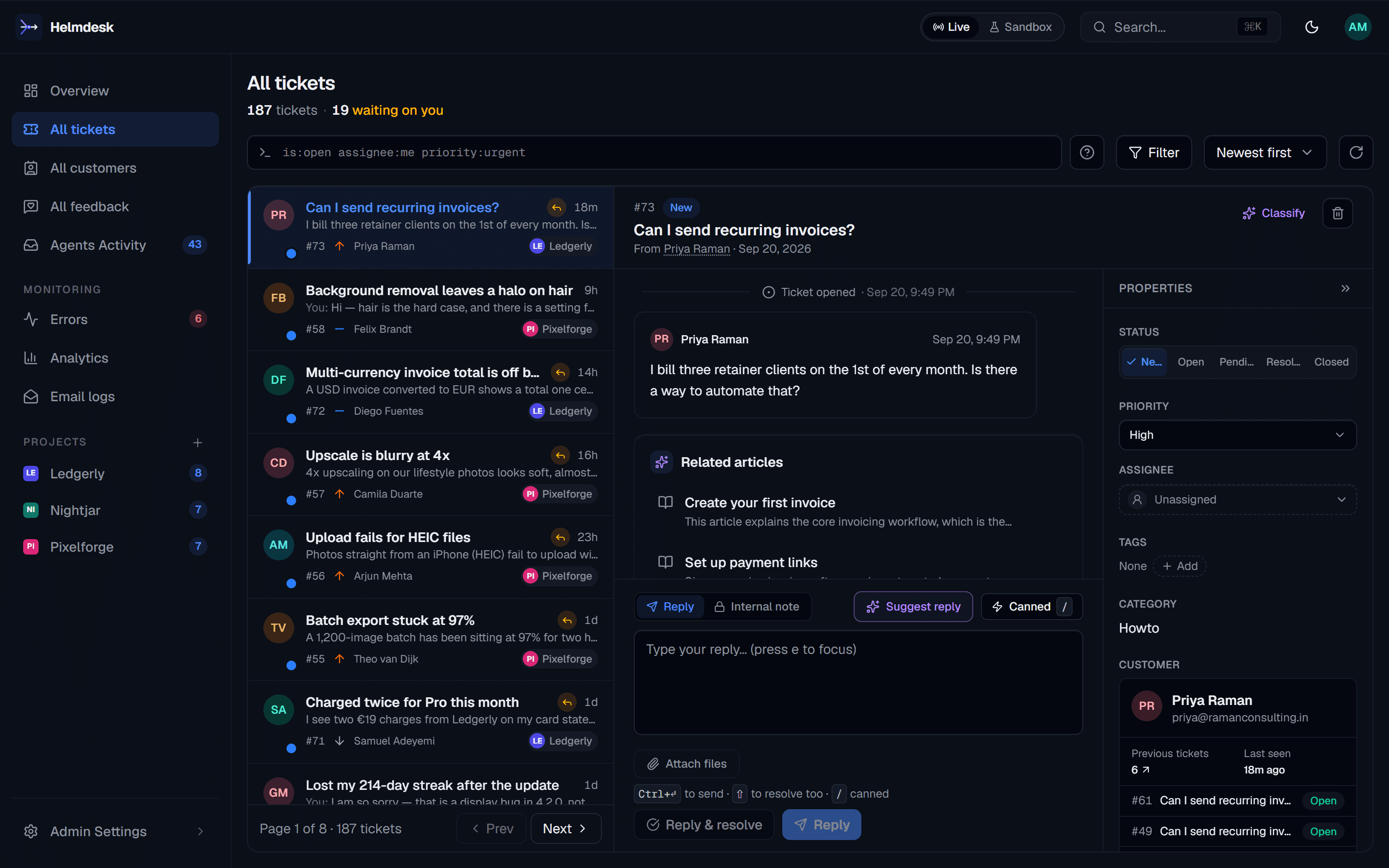
The Overview shows open tickets, replies waiting on you and open errors for every app at once. All tickets, All customers and Errors list across projects when you want one queue.
Switch apps without losing your place
The project switcher keeps you on the same page as you move from Ledgerly’s tickets to Nightjar’s tickets. One login, one sidebar, every app in it.
Each app sends as itself
Email is configured per project: from name, from address and provider (Brevo, Resend, SendGrid, SES or SMTP). Save provider credentials once at the account and reuse them.
Teammates see only their apps
Owners and admins see every project. A member sees only the projects you assign, at invite time or later on the Team page. Paid plans have unlimited seats.
Inside one app
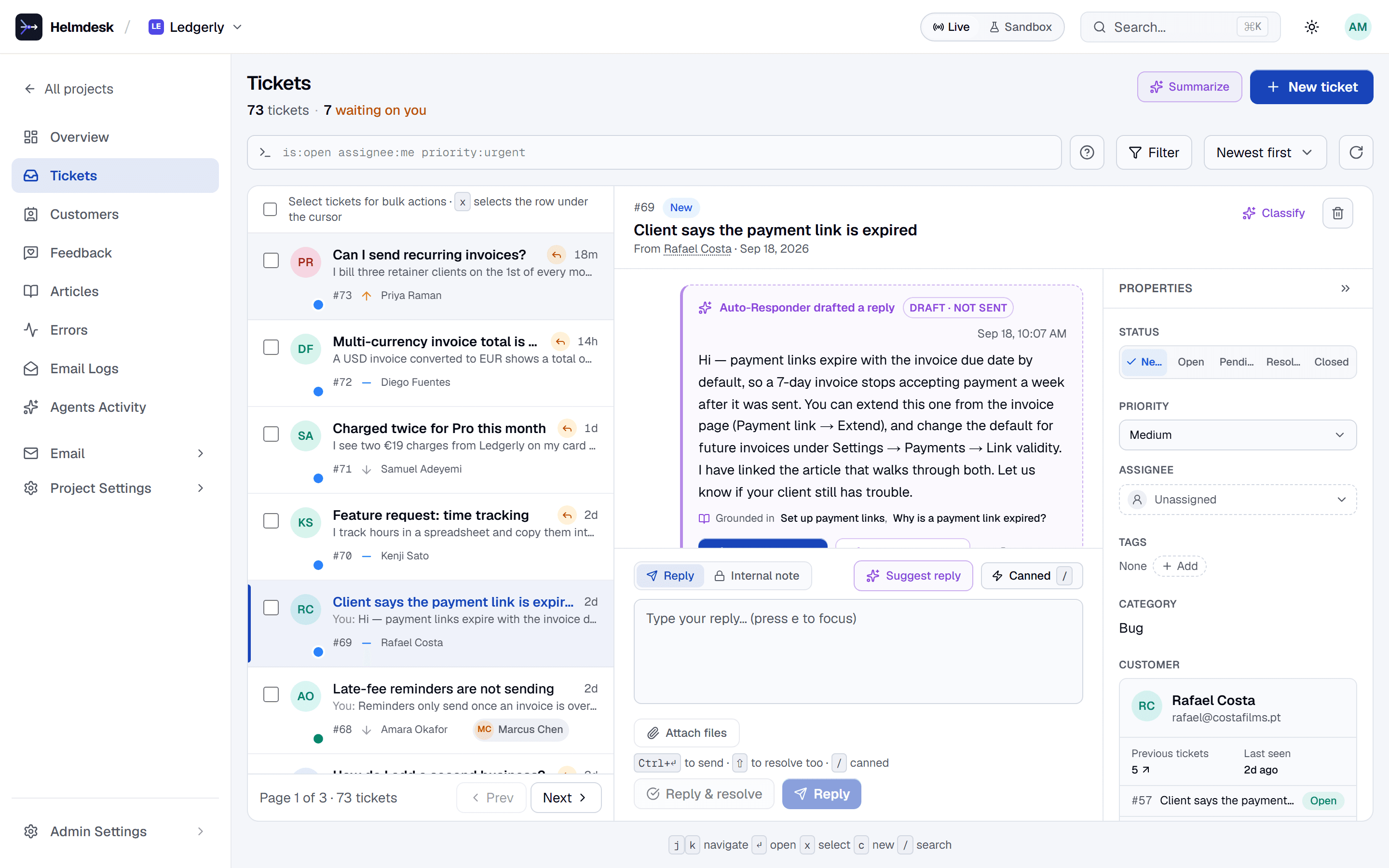
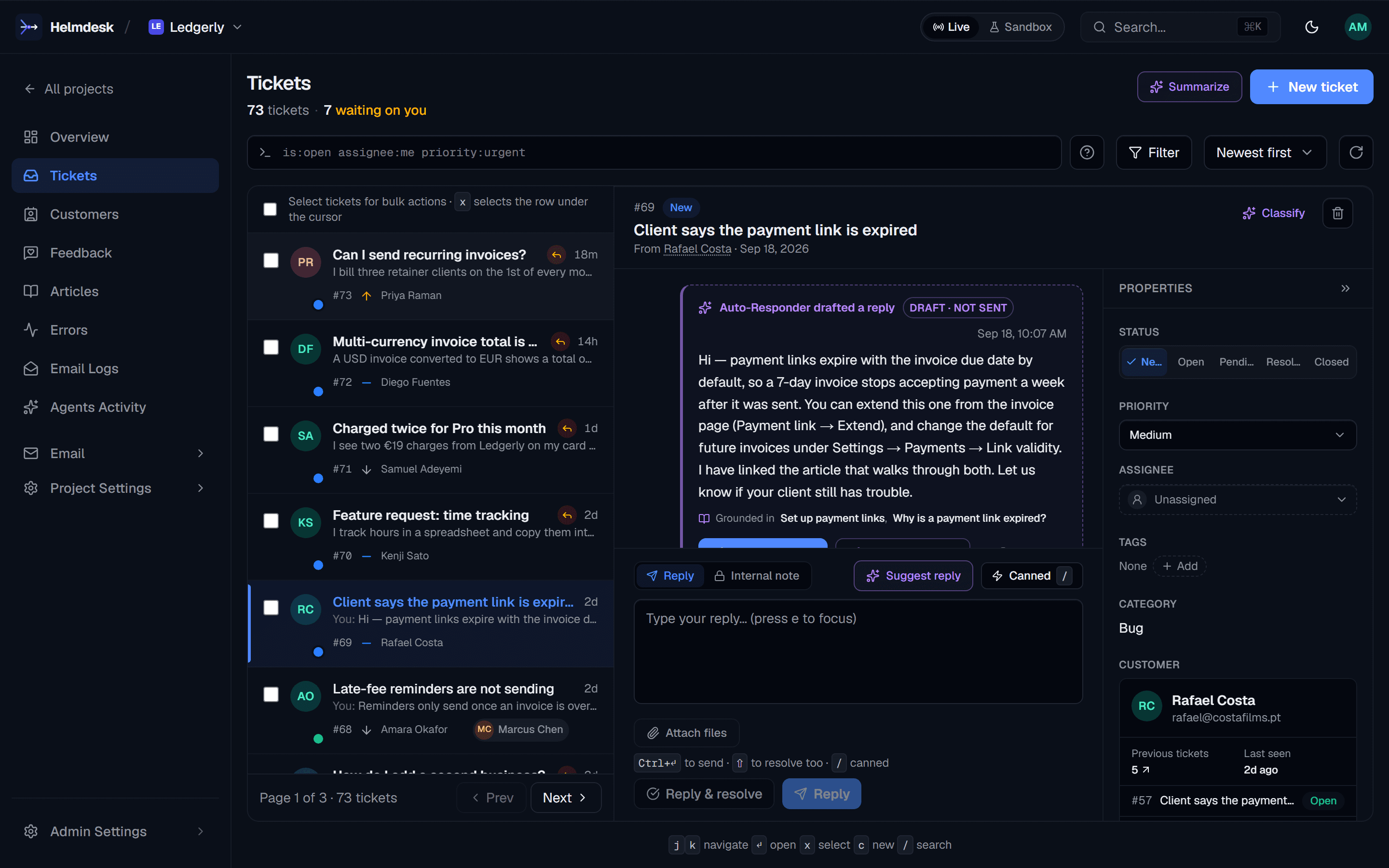
Ledgerly’s queue, Ledgerly’s customers, Ledgerly’s drafts.
Open a project and everything on screen belongs to that app: its tickets, the reply the Auto-Responder drafted from its knowledge base, the customer and their history.
helmdesk.dev/projects/ledgerly/tickets
Across every app
Or work one queue for all of them.
All tickets lists every app’s tickets together, each labelled with its project, with the same filters and saved views.
helmdesk.dev/tickets
How it works
Three steps, then one desk.
- 1
Create a project per app
From the dashboard, or ask your coding agent: the MCP server’s create_project tool sets one up and returns the line for the app’s .env.
- 2
Point each app at its project
The widget takes the project’s slug; the SDK and API take a key scoped to that project.
<script src="https://helmdesk.dev/widget.js" data-project="ledgerly"></script> - 3
Run support from one place
Work the Overview and the cross-app lists every day; open a single project when you need its settings, templates or logs.
Pricing
Apps, not seats, are what you pay for.
Free for your first app. Starter $39/mo for 3 apps, unlimited seats.
Each paid plan covers more apps, with unlimited seats, so adding a teammate never changes the bill.
Annual billing saves 20%. No per-seat fees on paid plans, no per-resolution AI fees.
Through Nov 30: 30% off Starter or Growth for 3 months with code SHIP30 at checkout.
- Free1 app$0
- Starter3 apps$39/mo
- Growth10 apps$149/mo
- Enterprise: more apps and volume, quoted. Talk to us
FAQ
Running several apps on Helmdesk
Do customers of one app see the others?
No. Each project has its own help centre and support page (helmdesk.dev/p/<your-app>), its own widget and its own customer directory. A customer signed in through one app’s widget sees only their tickets for that app. Only your team sees across apps.
Can each app send email from its own address?
Yes. Email is configured per project, with its own from name, from address and provider: Brevo, Resend, SendGrid, Amazon SES or SMTP. Provider credentials can be saved once at the account and shared by several projects.
How many apps does each plan cover?
Free covers 1 app, Starter 3 and Growth 10. Enterprise is quoted for more. Every paid plan has unlimited seats.
Can I give a teammate access to only one app?
Yes. Owners and admins see every project; a member sees only the projects you assign them, either when you invite them or later from the Team page.
What happens when I add an app past my plan’s limit?
Creating the extra project prompts an upgrade, for example from Starter (3 apps) to Growth (10). Existing projects and their data are never touched.
Every app you ship, one desk.
Free for your first app. Starter $39/mo for 3 apps, unlimited seats. No card.