Webhooks vs Polling: Wiring Support Events into Your Stack
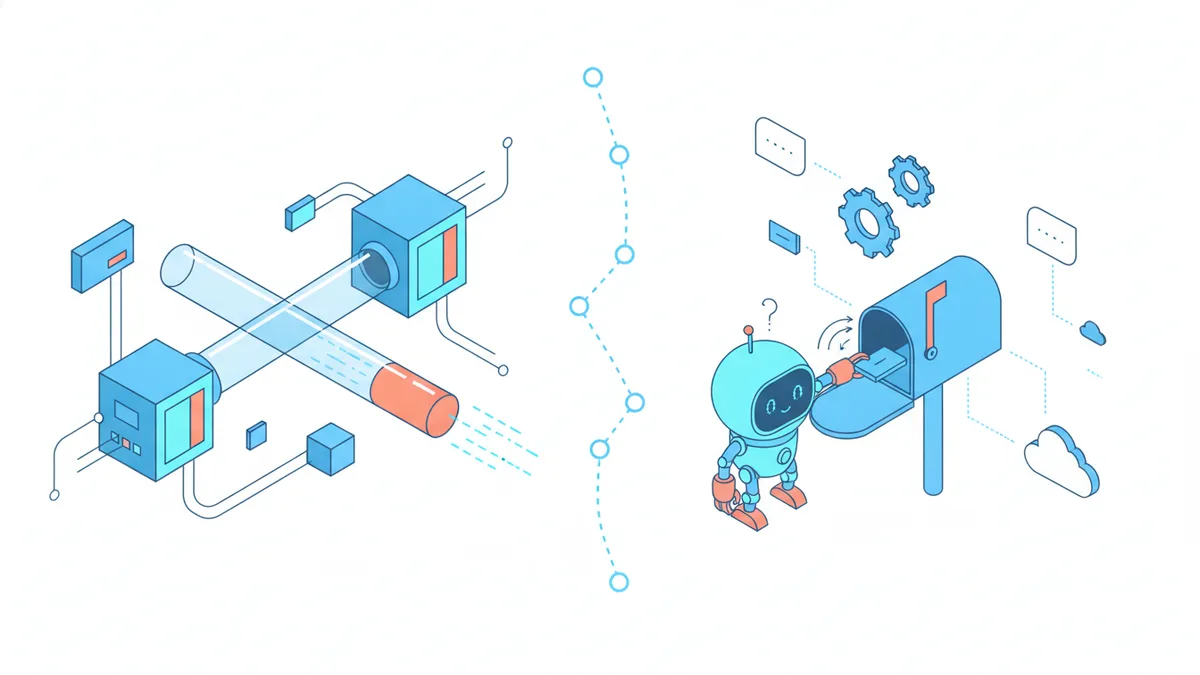
You want to know when a new support ticket arrives — in Slack, in your own admin panel, in a script that enriches it with account data. There are exactly two ways to find out: ask repeatedly (polling) or be told (webhooks).
Webhooks have the better reputation, and most integration docs treat polling as the embarrassing option. That is backwards advice for a lot of real systems. Polling is simpler, easier to debug, and impossible to miss events with — it is the right choice more often than its reputation suggests. The honest question is not "which is better" but "at what point does polling stop being enough?"
When polling is actually fine
Polling is a cron job and a list endpoint:
// every 5 minutes
const since = await loadCheckpoint()           // last poll's timestamp
const { tickets } = await api.tickets.list({
  createdAfter: since,
  status: 'new',
})
for (const t of tickets) await handleNewTicket(t)
await saveCheckpoint(now)
Look at what you get for those ten lines:
- No public endpoint. Nothing to expose, secure, or keep online. It runs from a laptop, a cron container, a GitHub Action.
- Self-healing by default. If a run fails, the next run picks up the same window. There is no "missed event" — the data is still sitting in the list endpoint.
- Trivially debuggable. You can run the poll by hand and see exactly what it sees.
The cost is latency (events arrive up to one interval late) and wasted requests (most polls return nothing). So the decision reduces to two questions: does a few minutes of delay matter? and is the request volume acceptable?
For a nightly digest, a metrics sync, or a "check for stale tickets" job — polling is not the compromise option; it is the correct one. A webhook infrastructure for a task that tolerates an hour of latency is complexity purchased for nothing.
When webhooks win
Webhooks invert the flow: the platform POSTs a JSON payload to your URL the moment something happens.
Two situations justify them:
Latency matters. A new-ticket alert that reaches Slack in two seconds instead of five minutes changes how support feels — to you and to the customer who gets a fast first reply. Anything a human reacts to in real time wants a webhook.
Volume makes polling silly. Polling every minute is 1,440 requests a day to usually learn "nothing happened," and it still gives you 60-second latency. Past a certain event rate — or below a certain acceptable delay — the always-asking model stops making sense.
| Polling | Webhooks | |
|---|---|---|
| Latency | One interval (minutes) | Seconds |
| Infrastructure | A cron job | A public HTTPS endpoint |
| Missed events | Impossible — data waits for you | Possible — needs retries + reconciliation |
| Security work | Keep an API key secret | Verify signatures, reject replays |
| Debugging | Run it by hand | Inspect delivery logs, replay payloads |
| Best for | Digests, syncs, batch jobs | Alerts, automations, real-time UI |
The rest of this post is the webhook side done properly, because the failure modes are well known and all preventable.
Verify the signature — every time
A webhook endpoint is a public URL that accepts POSTs. Without verification, anyone who finds the URL can feed your handler fake events. Every serious platform signs its payloads with a shared secret using HMAC; your job is to recompute and compare:
import { createHmac, timingSafeEqual } from 'node:crypto'

export async function POST(req: Request) {
  const raw = await req.text()          // raw body — before any JSON parsing
  const signature = req.headers.get('x-webhook-signature') ?? ''

  const expected = createHmac('sha256', process.env.WEBHOOK_SECRET!)
    .update(raw)
    .digest('hex')

  const valid =
    signature.length === expected.length &&
    timingSafeEqual(Buffer.from(signature), Buffer.from(expected))

  if (!valid) return new Response('invalid signature', { status: 401 })

  const event = JSON.parse(raw)
  // ...handle event
  return new Response('ok', { status: 200 })
}
Three details people get wrong:
- Sign the raw body. If your framework parses JSON before you can read the raw bytes, re-serializing will not produce the same string the sender signed. Get the raw text first.
- Use
timingSafeEqual, not===. A plain string comparison leaks timing information that lets an attacker recover the signature byte by byte. It is one import. - Keep the secret out of the payload path. The secret is shown once when you create the webhook; store it in your environment, not your database rows that handlers can read.
Retries and idempotency
Delivery is at-least-once, not exactly-once. If your endpoint times out or returns a 5xx, the platform retries — which means you will eventually receive the same event twice. Two rules cover it:
Respond fast, work later. Verify the signature, drop the event on a queue (or just an INSERT), and return 200 within a second or two. A handler that does slow work inline — calling third-party APIs, sending emails — will hit the sender's timeout and trigger retries for events you actually processed.
Make handling idempotent. Every event carries an ID. Record it; skip duplicates:
const seen = await db.webhookEvents.insertIgnoreDuplicate({ id: event.id })
if (!seen.inserted) return new Response('ok', { status: 200 }) // already handled
And once a day, run a small reconciliation poll — list the last 24 hours of tickets and confirm none slipped past the webhook during an outage. The mature setup is not webhooks instead of polling; it is webhooks for speed with a lazy poll as the safety net.
A realistic pipeline: new ticket → Slack, auto-tagged
Here is the whole thing end to end — the integration most products build first. When a ticket is created, post an alert to Slack and tag the ticket by keyword so urgent things surface. The payload shape below is Helmdesk's ticket.created event, but the pattern is identical on any platform:
const TAG_RULES: Record<string, RegExp> = {
  billing: /invoice|charge|refund|card|payment/i,
  bug: /error|broken|crash|500|doesn'?t work/i,
  urgent: /urgent|asap|production.+down|data loss/i,
}

async function handleTicketCreated(event: WebhookEvent) {
  const { id, subject, customerEmail, priority } = event.data.ticket
  const text = `${subject} ${event.data.ticket.body ?? ''}`

  // 1. auto-tag by keyword
  const tags = Object.entries(TAG_RULES)
    .filter(([, re]) => re.test(text))
    .map(([tag]) => tag)
  for (const tag of tags) {
    await hd.tickets.addTag(id, tag)
  }

  // 2. alert Slack — urgent gets a louder channel
  const channel = tags.includes('urgent') ? '#support-urgent' : '#support'
  await slack.chat.postMessage({
    channel,
    text: `🎫 *${subject}*\nfrom ${customerEmail} · priority ${priority}` +
      (tags.length ? ` · tags: ${tags.join(', ')}` : ''),
  })
}
Twenty lines, and your support queue now announces itself, pre-sorted. The keyword rules are deliberately dumb — regexes, not AI — because dumb rules are predictable, debuggable, and wrong in ways you can see. Start there; get fancy only when the simple version demonstrably misses things.
The bottom line
Poll when latency does not matter — a cron job you can run by hand beats infrastructure you have to monitor. Reach for webhooks when seconds matter or volume makes polling wasteful, and then do the three unglamorous things that make them reliable: verify signatures on the raw body, return 200 fast and process async, and dedupe by event ID with a reconciliation poll as backstop. Neither approach is the "real developer" option. The real developer option is matching the tool to the latency requirement and keeping the whole thing boring.
Support events, wherever your stack needs them
Per-project webhooks with HMAC signatures for ticket, email, and customer events — plus a typed SDK and list endpoints when polling is all you need.