Your Morning Support Standup, Run by an Agent
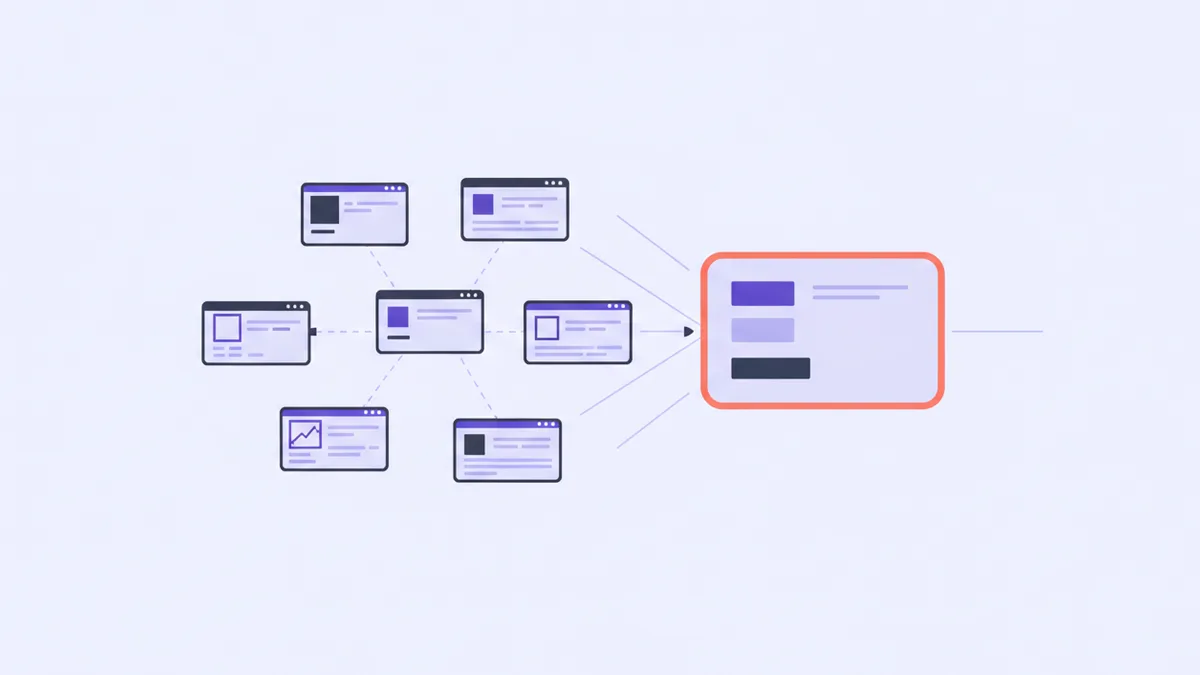
Here's the ritual, and you already know it because you performed it this morning.
Coffee. Open the helpdesk, scan the queue, decide nothing looks on fire. Open the error dashboard, squint at a graph, decide the spike at 3 AM was probably the cron job. Open the email log to check that yesterday's receipts went out. Open the feedback inbox. Open the billing page, because you have a nagging sense you're near a limit. Open the app itself, just to be sure it loads. Six tabs, eight minutes, and the output is a feeling rather than an answer.
The feeling is usually "fine, probably." Which is worth something — but notice how little of that eight minutes was spent on the question you actually had. You weren't asking what is in the queue. You know roughly what's in the queue; you were there yesterday. You were asking something much more specific and much harder to read off a dashboard: what changed since yesterday, and what is waiting on me?
Dashboards are terrible at that question. A dashboard shows state, not delta. It tells you there are fourteen open tickets; it does not tell you that three of them are new, one has been waiting six days, and the other ten are the same ten you already know about. You reconstruct the delta in your head, every morning, from memory, which is exactly the kind of work you should not be doing before coffee has landed.
An agent connected to your support data is good at this in a way a dashboard structurally cannot be, because you can ask it the actual question. Here's how to build the prompt.
Start with the snapshot, then add the delta
The first instinct is to ask for everything. Resist it — you'll get a wall of JSON summarised into a wall of prose, which is the six-tab problem with extra steps.
Start with one call. get_project_overview returns a single snapshot of how an app is doing right now: the ticket queue broken down by status, how many await a reply and how many of those have gone stale, tickets resolved this week, open error issues and log volume over the last 24 hours, email delivery for the week, feedback with its average rating, and how many agent actions are sitting in the review queue. That is roughly the six tabs, in one round trip.
Then bolt on the parts the snapshot can't give you. list_tickets filtered to those awaiting a reply, oldest first, so "waiting on us" is a real answer rather than an inference from the status field. list_log_issues for grouped error issues — one row per fingerprint, with a count and a first-seen time, so you can see at a glance which groups are new since yesterday rather than scrolling raw events. list_agent_activity for what the automations left you overnight. get_usage if the nagging limit feeling is real.
Assembled, the morning prompt is one paragraph:
Morning check on Ledgerly. Give me the overview, then: which tickets are
waiting on us and for how long, which error groups are new or getting worse
since yesterday, and what did the automations leave in the review queue?
Rank it by what actually needs me today, and tell me if the answer is nothing.
Three details in there earn their keep. Since yesterday is what turns state into delta. Rank it by what needs me makes the agent do the triage instead of handing you a list to triage. And tell me if the answer is nothing matters more than it looks — without it, a summariser will always find four things to mention, and a morning report that is never empty is a report you stop reading by week three.
All of this is reads
Look at what that prompt calls. Every one of those tools reads. Nothing is created, nothing is updated, no status changes, and — most importantly — nobody is emailed. The standup has no way to touch a customer, because the tools it uses have no way to touch a customer.
That is a property worth deliberately preserving, and the way to preserve it is not discipline. It's the key.
Mint a key holding only read scopes — tickets:read, logs:read, projects:read, feedback:read, emails:read — and point your agent at that one for the first week. Not as training wheels, and not because agents are untrustworthy in some vague way, but for a concrete reason: the first week is when you're still learning how your agent phrases things, how literally it takes an instruction, and what it does when a request is ambiguous. That's the exact week you least want it to hold a credential that can resolve forty tickets and email forty satisfaction surveys because you said "clear out the old ones" and it read that differently than you meant.
A read-only key makes the worst case "it told me something wrong," which you'll notice, instead of "it did something wrong," which the customer notices first. After a week you'll know whether to widen it, and you'll widen it for a specific reason rather than because it was easier to mint one key with everything.
Two footnotes on read-only, because the boundary has one genuinely surprising edge. update_ticket reads like a harmless write, and mostly is — changing priority, category or assignee sends nothing — but setting a ticket's status to resolved emails the customer a satisfaction survey. Resolution is an outbound action wearing a write's clothing. And in the review queue, approving an agent's drafted reply is what posts and emails it: approval is the send button, not a bookmark.
Why not just schedule a digest email
Reasonable objection. Helmdesk has a Weekly Digest automation. Plenty of tools will mail you a summary every morning. Why type a prompt at all?
Because a digest is push and generic, and a standup is pull and specific. The digest was designed months ago by someone who didn't know what you'd be worried about today. It contains the same eleven numbers every time, in the same order, whether or not you shipped a release last night. Two weeks in, your eye slides down it to the one number you care about, and a month in you're filtering it to a folder.
The standup is a question you ask, and you can ask a different one. The morning after a deploy: anything new in the logs since 6 PM, and has anyone written in about the export change? The morning after a pricing update: what are people saying about the new plans? Same tools, entirely different report, because the question came from you rather than from a template.
The two aren't rivals, though. The right use of a digest is as a backstop for the mornings you skip the ritual entirely — it catches the week you were on holiday. The standup is for the mornings you're actually working.
You do still have to open a window and type. That's not nothing. But you're typing a question instead of hunting for the answer to a question you never got to ask.
Six dashboards tell you the state of six things. One good question tells you what happened while you were asleep — and, on a good day, that the answer is nothing.
Ask one question instead of opening six tabs
Point your agent at a read-only key and get a morning standup that answers what changed, not what exists.